Roles & team permissions
10ex workspaces are multi-user from day one. Three roles control what each member can do, with a clean rule of thumb: Members create, Managers invite, Admins delete and configure.
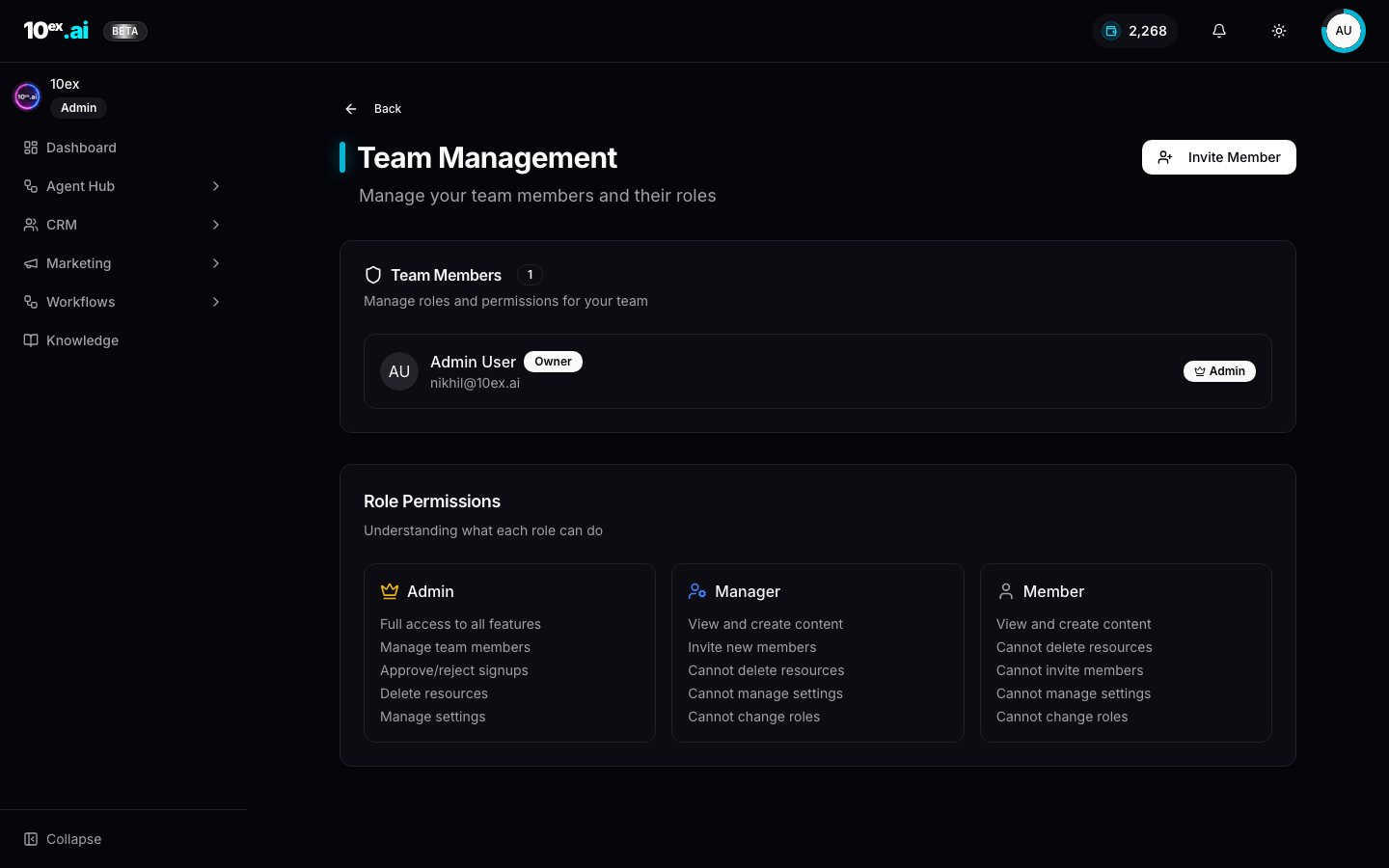
The matrix
| Capability | Admin | Manager | Member |
|---|---|---|---|
| View / create content | ✅ | ✅ | ✅ |
| Invite new members | ✅ | ✅ | ❌ |
| Approve / reject signups | ✅ | ❌ | ❌ |
| Delete resources | ✅ | ❌ | ❌ |
| Manage settings | ✅ | ❌ | ❌ |
| Change roles | ✅ | ❌ | ❌ |
Short version:
- Admin. Full access. Manage team, approve signups, delete resources, change settings, change other people’s roles. The workspace owner is always an Admin.
- Manager. View and create content, invite new members. Cannot delete resources, cannot manage settings, cannot change roles.
- Member. View and create content. Cannot invite, cannot delete, cannot manage settings.
Inviting a teammate
From avatar menu → Team → Invite Member:
- Enter their email
- Pick a role (Admin / Manager / Member)
- Send
The invitee gets a verification email. Until they accept, the row shows as Pending in the Team Members table.
What “Manage settings” actually gates
Setting-level access (Admin only) covers:
- Integrations. Connect or disconnect Gmail, Ads accounts, Webflow, etc. Every member sees the connector list, only Admins can change it.
- Brand Voice / Brand Kit / Company Research. Editing the schema all agents read from.
- Buy Credits. Purchasing more credits for the workspace.
- API keys. Minting and revoking workspace API keys (used for MCP authentication).
Members can use the connectors and read the brand knowledge. They just can’t modify the global state.
What “Delete resources” gates
Admin-only deletes:
- Leads, Segments, Companies in CRM
- Hired agents (the Unhire Agent button)
- Campaigns, Sequences, Blogs, Webinars
- Workflows
- Knowledge documents
Managers and Members hit a “Permission denied” notification on attempted deletes.
Per-resource ownership
Roles control workspace-level capability; per-resource ownership is implicit.
- The user who created a resource is its owner.
- Managers and Members can edit resources they created.
- Other Members can view but not edit someone else’s draft (e.g. you can’t edit a teammate’s blog draft from your account).
- Admins can edit any resource.
Why the role split exists
The asymmetry is deliberate: creators outnumber configurators. Most teammates need to draft, run agents, and hand off. A small Admin set protects the workspace’s shared state (brand voice, billing, who has access). When everyone is an Admin, accidental deletes and connector swaps spike.
A common gotcha: API keys minted by an Admin inherit the Admin role. There’s no way to mint a Member-scoped key in v1; that’s tracked under TECH_DEBTS.md → Per-API-key MCP scopes. If you give a key to a junior team member or a third-party tool, treat it like an Admin password.
MCP equivalents
whoami() // returns { user_id, email, role, company_id, plan }
list_team_members() // current roster + pending invites
invite_teammate({ email: "newhire@yourco.com", role: "manager" })
SSO and SCIM
Out of scope for v1. Self-serve invite-link flow is the only path to a multi-user workspace today. Enterprise SSO (Google Workspace, Okta, Azure AD) is on the roadmap.
Common questions
Can a Manager promote themselves to Admin? No. Only existing Admins can change roles.
What happens if the sole Admin leaves? Contact support to transfer ownership. There’s no self-serve path for that today.
Are role changes audited? Yes. The audit log captures who changed which role, when, and to what.
Related
- Quickstart, Invite teammates
- API keys & auth: how Admins mint MCP credentials