What Orion does
Orion writes one personalized cold email and sends it instantly via Gmail. He’s lighter than Nova: no multi-step crew, no reviewer, no cadence. One lead in, one email out.
How Orion sends single emails
Orion pulls the lead’s CRM record (email, first_name, company, domain), reads your brand voice, and drafts a single message tuned to the objective you gave him. The send is direct via your connected Gmail account, so the message lives in your Sent folder and replies come back to your inbox. There’s no campaign object cluttering the CRM.
If you need a sequence (multiple emails over days), use Nova instead.
When to use him
- One-off outbound to a specific lead: a referral introduction, or a follow-up to a connection request.
- Inside-the-loop replies to an inbound that needs a custom response.
- Custom touches inside a Nova-driven workflow. Nova handles the cadence; Orion writes the off-track one-shot.
Required connectors
| Connector | Required? | Notes |
|---|---|---|
| Gmail | Required | Outlook support is on the roadmap |
Required knowledge
company_overview,usps,brand_voice(Brand schema)- Lead: must exist in CRM or be inline-provided. Needs
email,first_name,company,domain.
In product
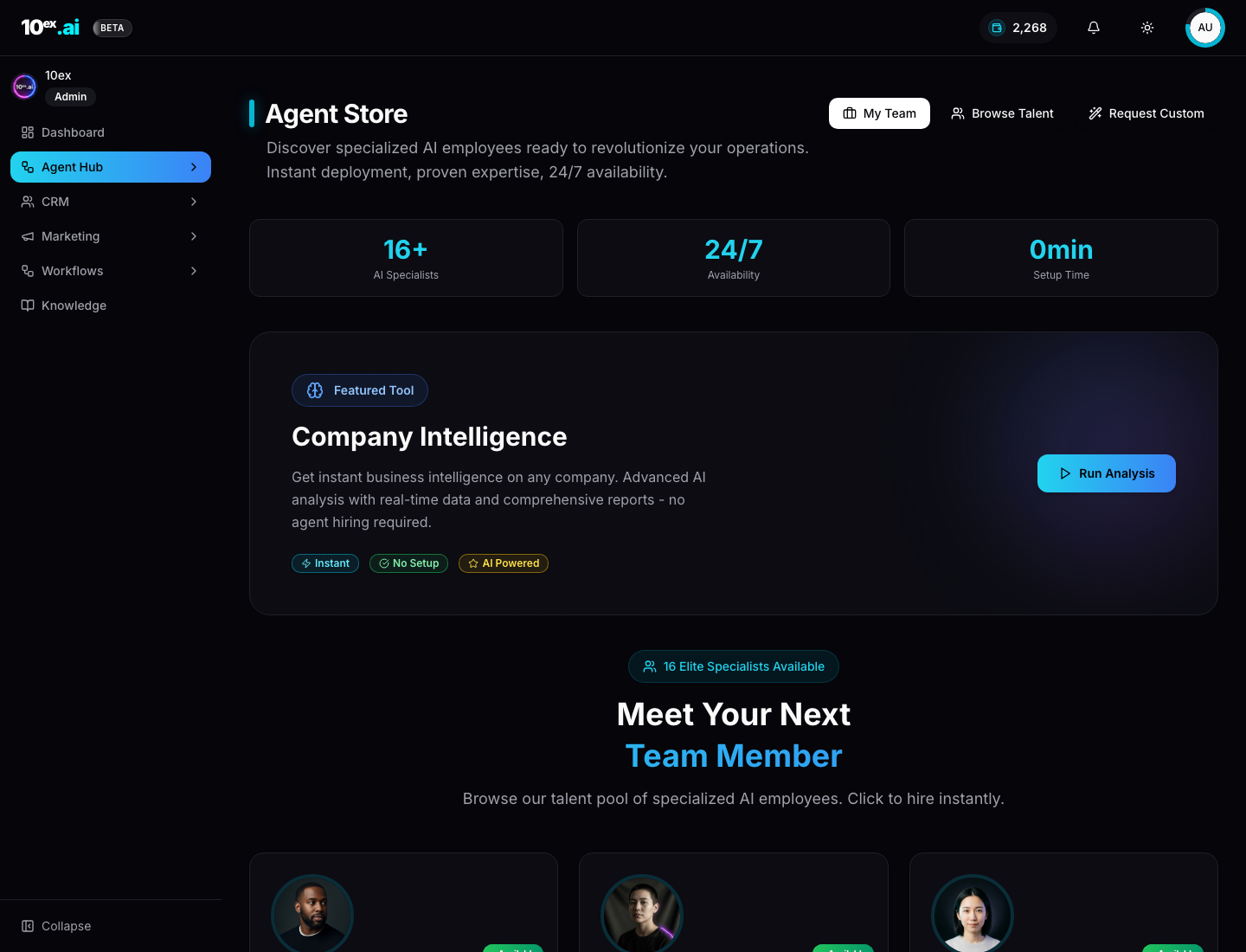
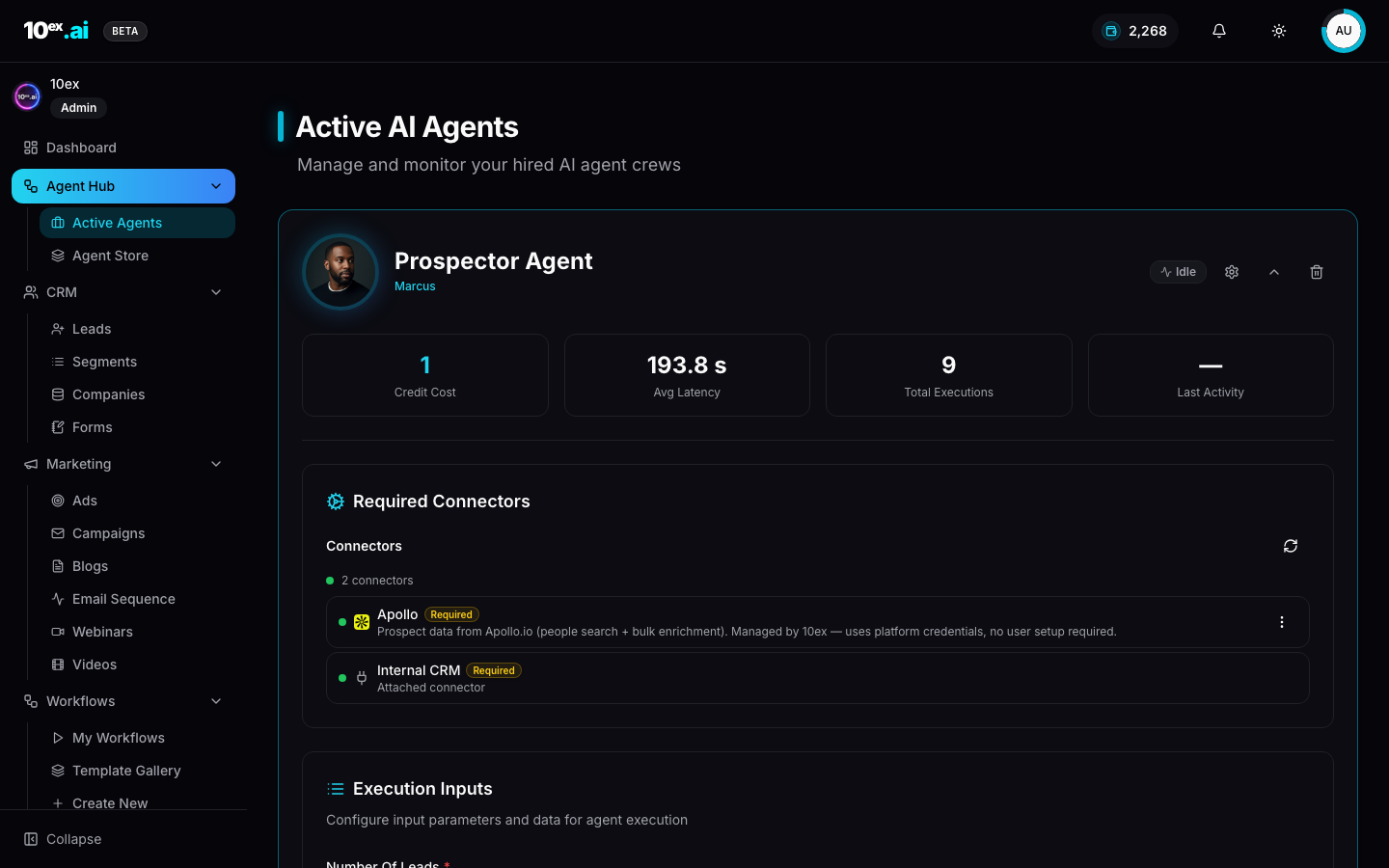
Inputs
{
  "lead_id": "uuid",
  "objective": "string, e.g. respond to last message",
  "sender_connector_id": "uuid",
  "approval_required": false
}
Outputs
{
  "message_id": "uuid",
  "subject": "string",
  "body": "string",
  "status": "draft" | "sent",
  "next_actions": ["get_thread_replies"]
}
Outcomes
- Fast 1-1 outreach without spinning up a campaign object.
- Custom replies that match brand voice without manual editing.
- Embeddable inside workflows for “send single email when X” automation.
MCP equivalents
send_single_outreach({ lead_id, objective, sender_connector_id })
Common questions
Does Orion gate before sending?
Only if you set approval_required: true. Default is direct send, since Orion is built for one-off speed. Flip the flag when sending to high-stakes leads.
Can I use Orion without a CRM lead?
You can pass lead fields inline instead of lead_id, but the lead won’t be tracked in CRM. Useful for purely transactional sends.
What about reply tracking?
Replies route to your Gmail inbox. Use get_thread_replies to fetch them programmatically, or set up a workflow that triggers when a reply lands.
Related agents
- Nova (
email-sequence-generation): multi-step, multi-recipient. - Marcus / Prospector (
prospector-agent): fill the CRM before reaching out.