CRM
The CRM is the audience layer. Leads, segments, companies, and forms feed every other surface. Agents target segments, campaigns target segments, and the Launchpad recommends agents based on segment readiness.
Four sub-pages mirror the product sidebar:
| Page | Route | What lives here |
|---|---|---|
| Leads | /crm/leads | People: imported, enriched, scored |
| Segments | /crm/lists | Saved filtered groups, used as agent inputs |
| Companies | /crm/companies | Accounts. Leads belong here. |
| Forms | /crm/forms | Native forms plus synced ad-platform lead forms |
Leads
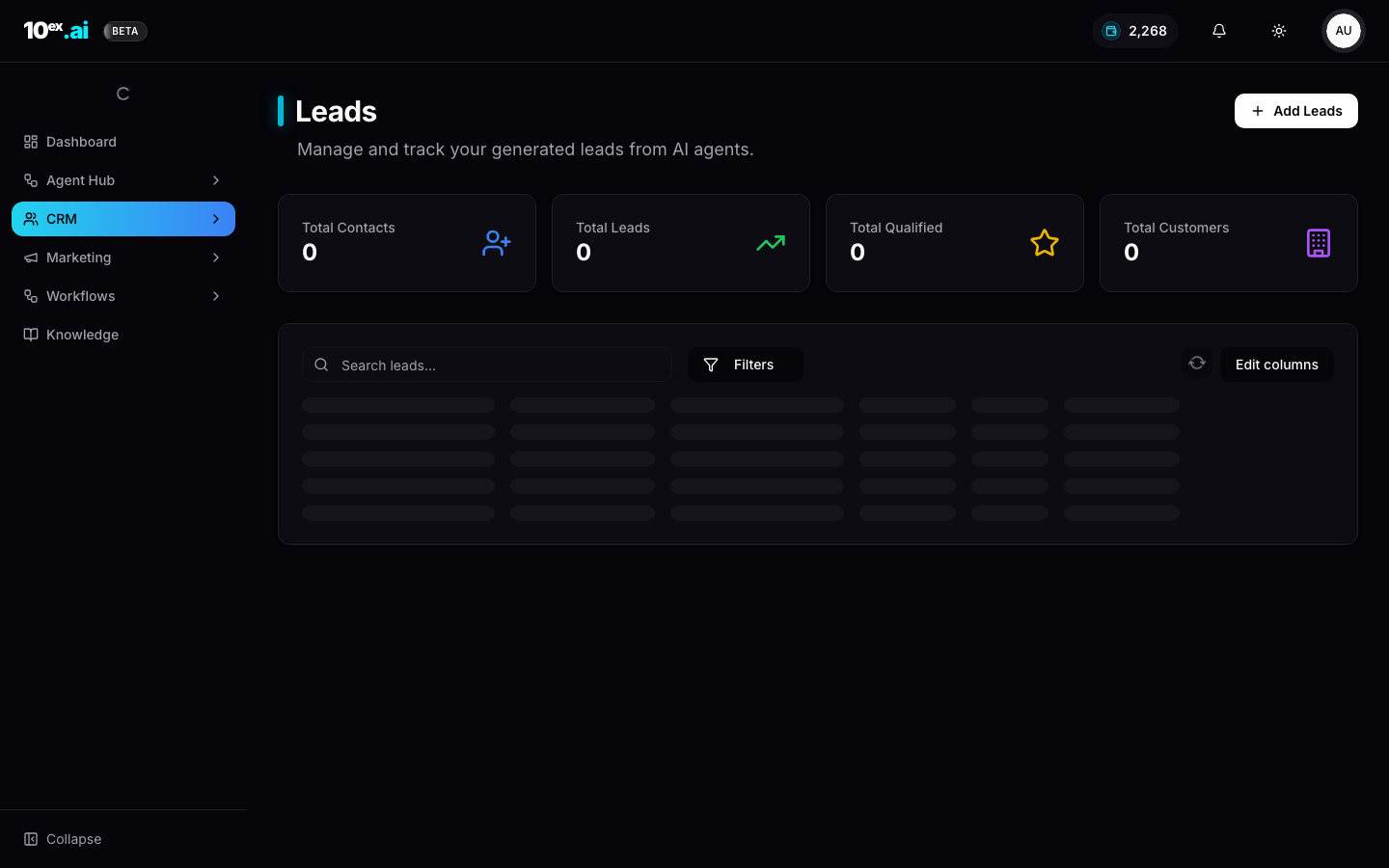
The leads page surfaces four counters at the top: Total Contacts, Total Leads, Total Qualified, Total Customers. Below that is a single table.
The lifecycle stages
Leads progress through four stages, set on the row and counted at the top:
- Contact: known to the system but not yet engaged.
- Lead: engaged via any channel.
- Qualified: passed your scoring threshold (see Behavioral lead scoring).
- Customer: closed-won.
Stages move automatically based on connector events (open, click, reply, calendar booking) and manually from the row’s action menu.
How to import leads
Three paths, all converging on the same lead model:
- CSV or Excel upload at
Add Leads → Import Leadsruns a 3-step wizard:- Import: drop the file. Toggle “File has column headers” if needed.
- Map: match your columns to the 10ex schema.
- Details: confirm segment assignment, source label, and dedupe behaviour.
- Single lead at
Add Leads → New Leadis manual entry, useful for ad-hoc adds. - API:
POST /api/v1/crm/leads/bulk(see Reference → CRM) orbulk_import_leadsover MCP. - Connector sync: HubSpot or Salesforce push leads in continuously once connected.
- Agent output: Marcus/Prospector saves enriched leads directly to the CRM as one of his outputs.
A common mistake on CSV import is leaving the source label as the default. Set it to something meaningful (q2-event-list, webflow-form) so you can filter and segment by source later.
Segments
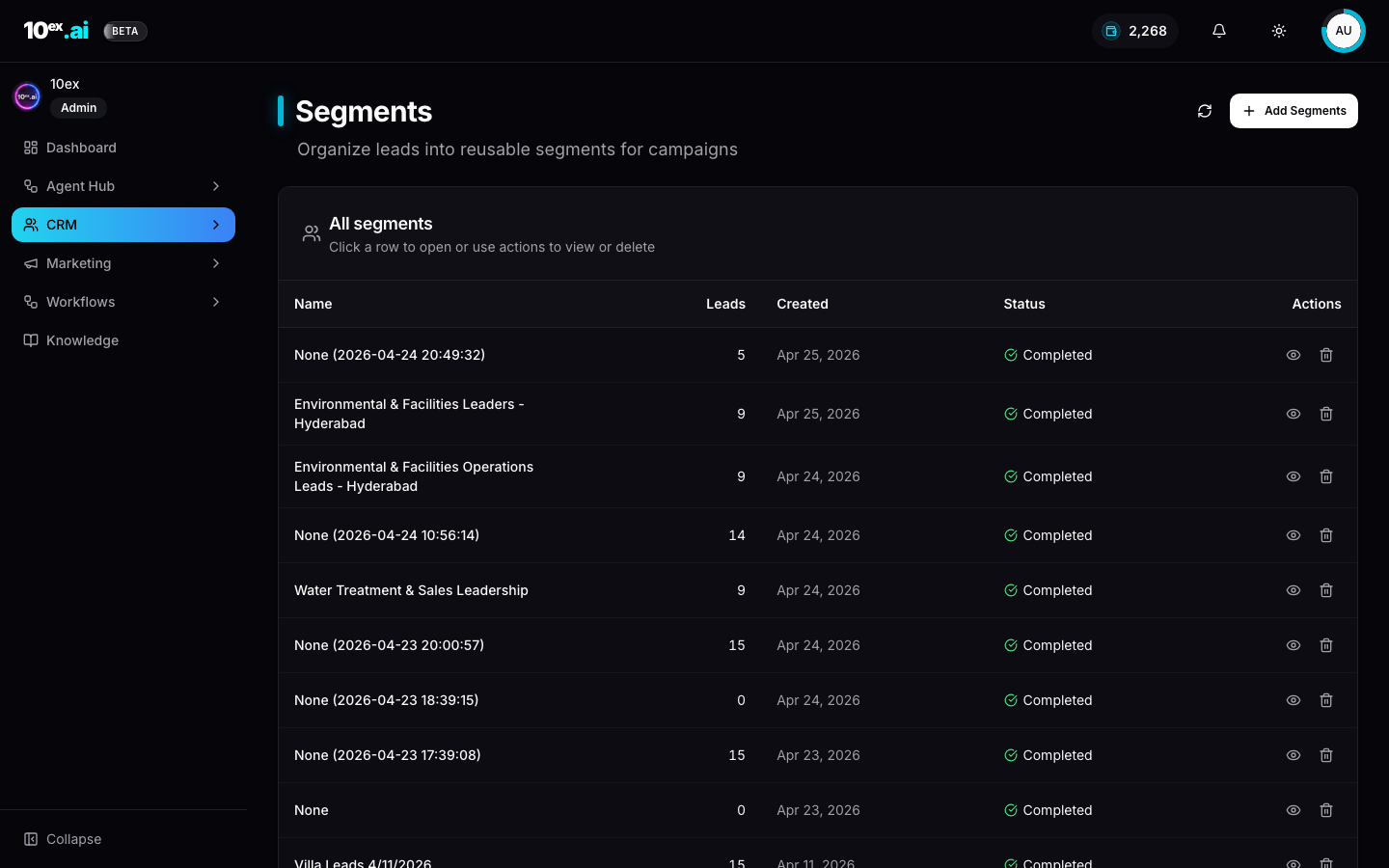
Segments live at /crm/lists (the URL says “lists” for legacy reasons; the UI says “Segments”). They’re reusable filter groups. Most agents take a segment_id as input.
Building a segment
The New Segment dialog is a filter-group builder with boolean composition.
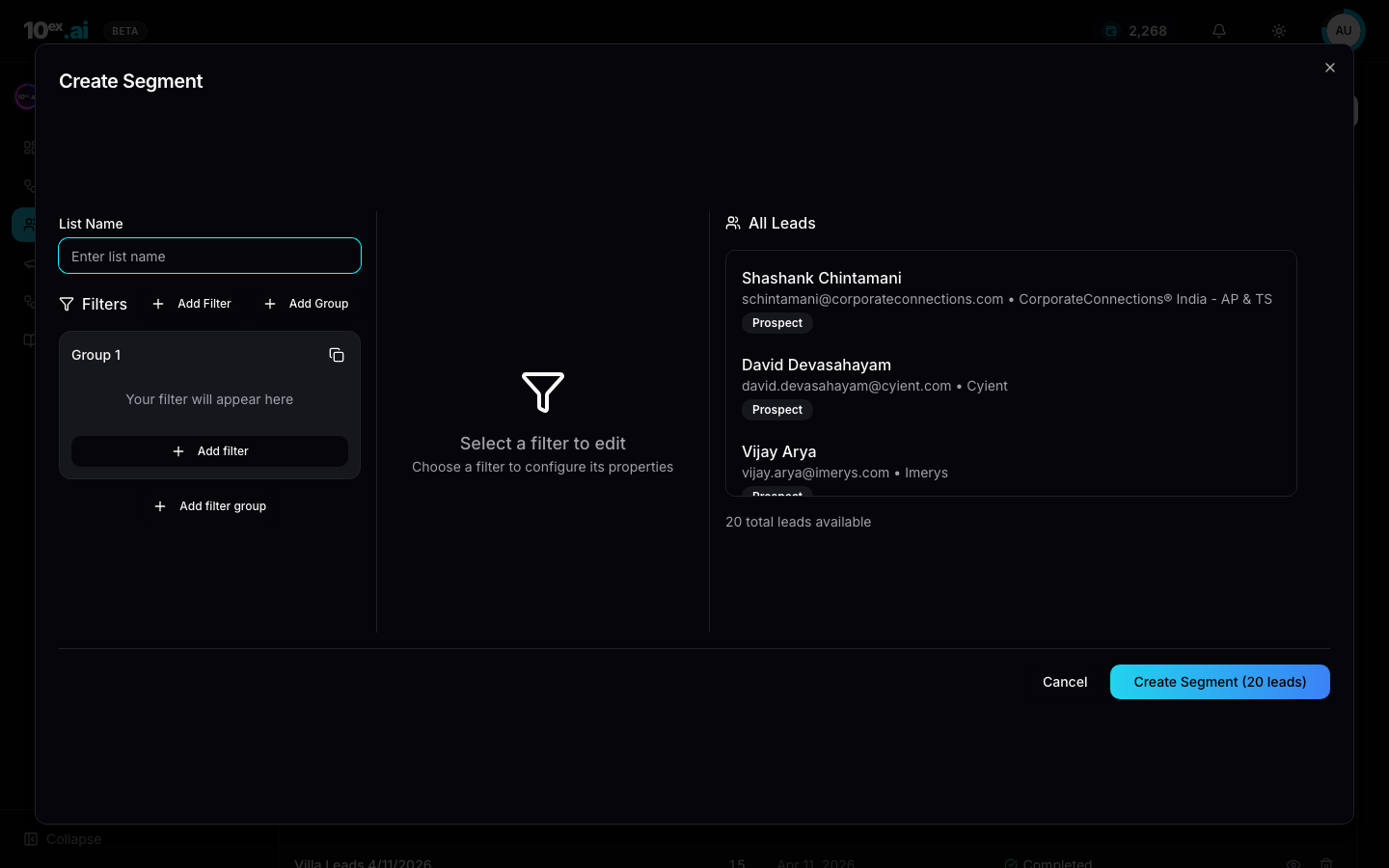
- Add Filter: a single condition, e.g.
Title contains 'Director'. - Add Group: a nested boolean group, e.g.
(Title contains 'VP' OR Title contains 'Director') AND Country = 'United States'. - The right pane previews matching leads live.
Create Segment (N leads)shows the count.
Segment-driven motions
Almost every agent takes a segment as input:
| Agent | Use of segment |
|---|---|
| Nova / Email Sequence | recipient list |
| Orion / Single email | recipient list (typically 1) |
| Marcus / Blog | informs personalisation, not direct send |
| Maya / Ads Strategy Lab | reads ICP from segment to size targeting |
| Kai / Voice Lead Qualifier | call list |
Companies
Account-level rollup. Leads belong to companies, and multiple leads from the same company aggregate up. The Companies page is a search and browse surface. Most company creation happens automatically when leads import or when Marcus/Prospector enriches.
Forms
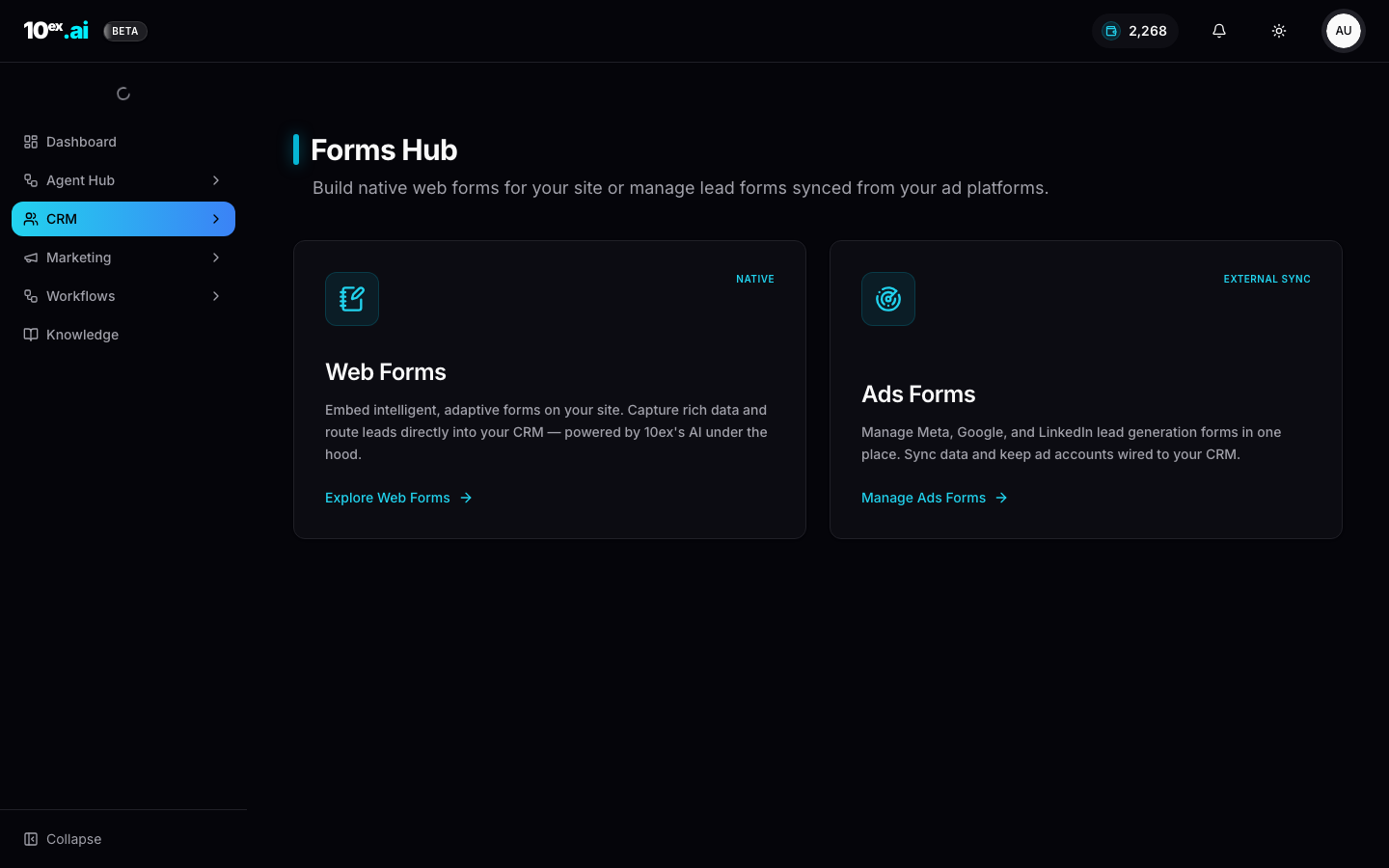
The Forms Hub is two distinct things on one landing page.
Native web forms
Embeddable forms for your own site. They’re adaptive (the form adjusts fields based on prior answers), AI-powered (suggestions, dedupe, enrichment on submit), and routed directly into the CRM as new leads.
Use native forms for gated content, demo requests, newsletter signup, and contact pages.
External sync ads forms
Manage Meta Lead Ads, Google Lead Forms, and LinkedIn Lead Gen Forms in one place. Sync inbound submissions back to the CRM, keeping ad accounts wired so a lead from a Meta form lands as a lead with source = meta and the same shape as any other.
Use external sync for paid social lead-gen campaigns where the form lives on the ad platform, not your site.
MCP equivalents
bulk_import_leads([{ email, first_name, last_name, company, title, ... }])
create_segment({ name: "VP Growth, US", filters: { title: { contains: ["VP","Head"] }, country: "United States" } })
add_leads_to_segment({ segment_id, lead_ids: [...] })
enrich_lead({ lead_id }) // Marcus/Prospector enrichment without a full run
list_forms() // both native and external-sync forms in one shape
Common questions
Why does the URL say /crm/lists if the UI says Segments? Legacy. The internal model is still called “lists.” We renamed the surface but left the route stable to keep bookmarks working.
A lead I imported is missing. Check the import history under Add Leads → Import Leads → History. Failed rows usually missed a required field or hit a dedupe rule.
How big can a segment get? No hard cap, but agents that send to segments enforce per-run limits (e.g. Nova caps at 10,000 recipients per sequence).
Related
- Behavioral lead scoring: how Qualified gets set
- Marcus / Prospector: fill the CRM from scratch
- Email sequence generation: the canonical segment consumer