What Sora does
Sora runs a comprehensive website analysis covering:
- Traffic: visitors, sources, channel mix (via GA4).
- Performance: Core Web Vitals, page speed.
- SEO: keyword rankings, technical SEO issues, internal linking.
- UX: heuristic review of key flows (signup, pricing, demo).
The output is a structured audit report with prioritized recommendations.
How Sora audits a website
Sora reads from your connected GA4 and Search Console (last 90 days by default), runs Lighthouse against key pages, then crawls the site for technical SEO issues. The UX review focuses on the three flows that matter most for B2B funnels: landing-to-signup, pricing-to-demo, and post-signup activation. Each issue gets a severity tag and a fix recommendation, not just a finding.
If you want competitor or market context instead of your own site, run Juno.
When to use her
- Pre-launch baseline: audit before paid acquisition starts.
- Quarterly check-in: track progress on prior recommendations.
- Onboarding signal: Launchpad uses Sora’s output to set channel benchmarks.
In product
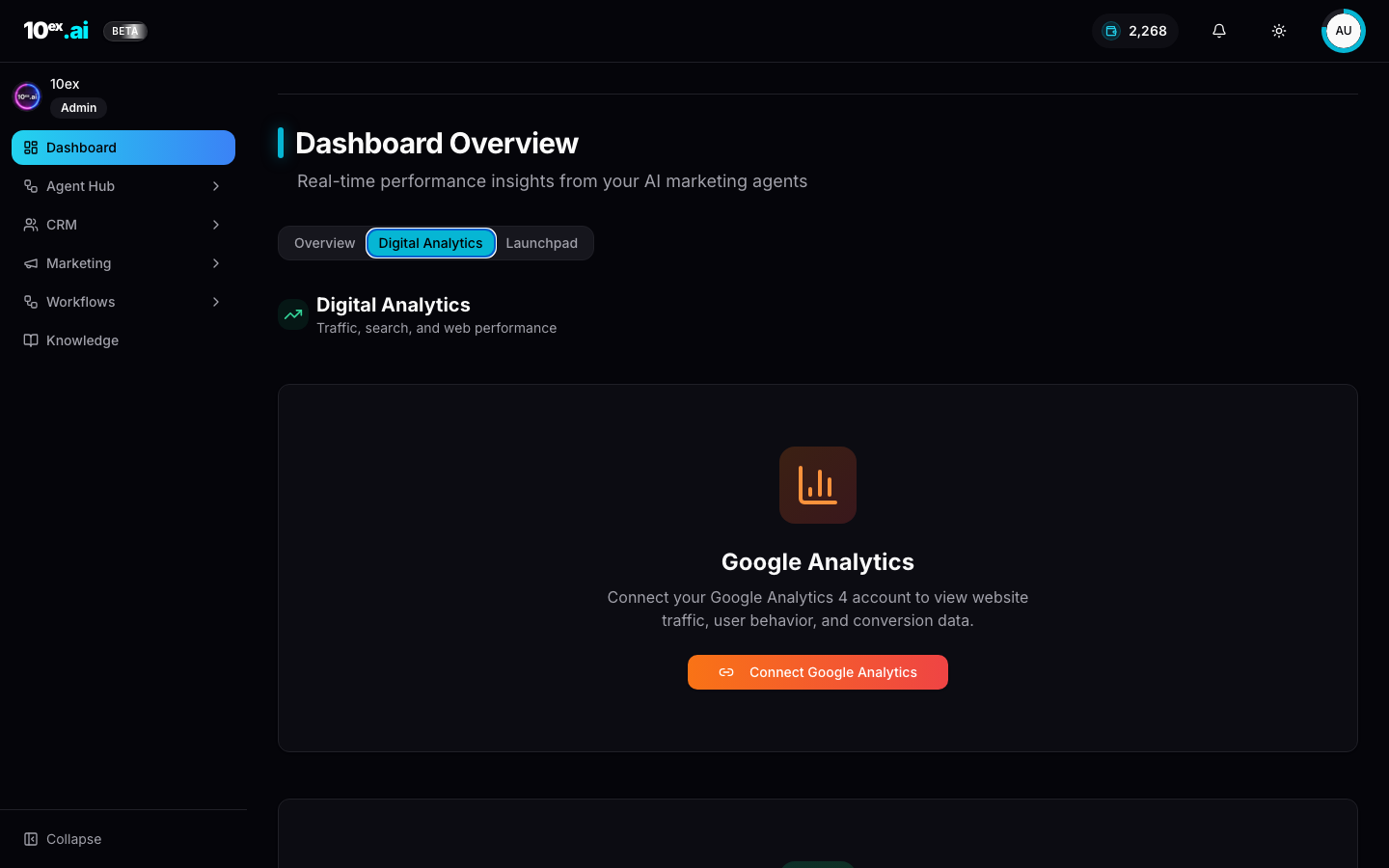
Required connectors
| Connector | Required? | Notes |
|---|---|---|
| Google Analytics | For traffic data | GA4 only |
| Google Search Console | For SEO data | Bundled with GA scope |
| Slack | Optional | Post audit summary to a channel |
Required knowledge
- Domain (
website_url) fromcompany_overview. - Optional:
competitor_analysisfor comparative context.
Inputs
{
  "domain": "yourcompany.com",
  "depth": "quick | standard | deep",
  "deliver_via": "email | slack | both",
  "include_competitors": true
}
Outputs
{
  "audit_id": "uuid",
  "scores": { "traffic": 72, "performance": 84, "seo": 65, "ux": 78 },
  "issues": [
    { "category": "seo", "severity": "high", "title": "...", "recommendation": "..." }
  ],
  "next_actions": ["generate_blog", "build_ads_strategy"]
}
Outcomes
- A prioritized punch-list of growth blockers.
- Quantified channel benchmarks that feed Launchpad.
- Slack-shareable summary for the team.
MCP equivalents
run_growth_audit({ domain: "yourcompany.com", depth: "deep" })
Common questions
Does deep mode cost more? No. Sora is free across all depths. Deep just runs more crawl pages and pulls a wider GA4 window. It can take 10 to 20 minutes versus quick mode’s 2 minutes.
What if my GA4 property has only a few weeks of data? Sora still runs but flags low-confidence metrics. Score weights drop for traffic and rise for performance and SEO, since those are property-age-independent.
Can I rerun monthly to track deltas?
Yes. Each audit_id is comparable to the previous run for the same domain. The Launchpad dashboard surfaces deltas automatically.
Related agents
- Juno (
market-research-crew): outward-looking sibling. - Marcus (
blog-generation): turn SEO findings into a content backlog.