Email playbooks
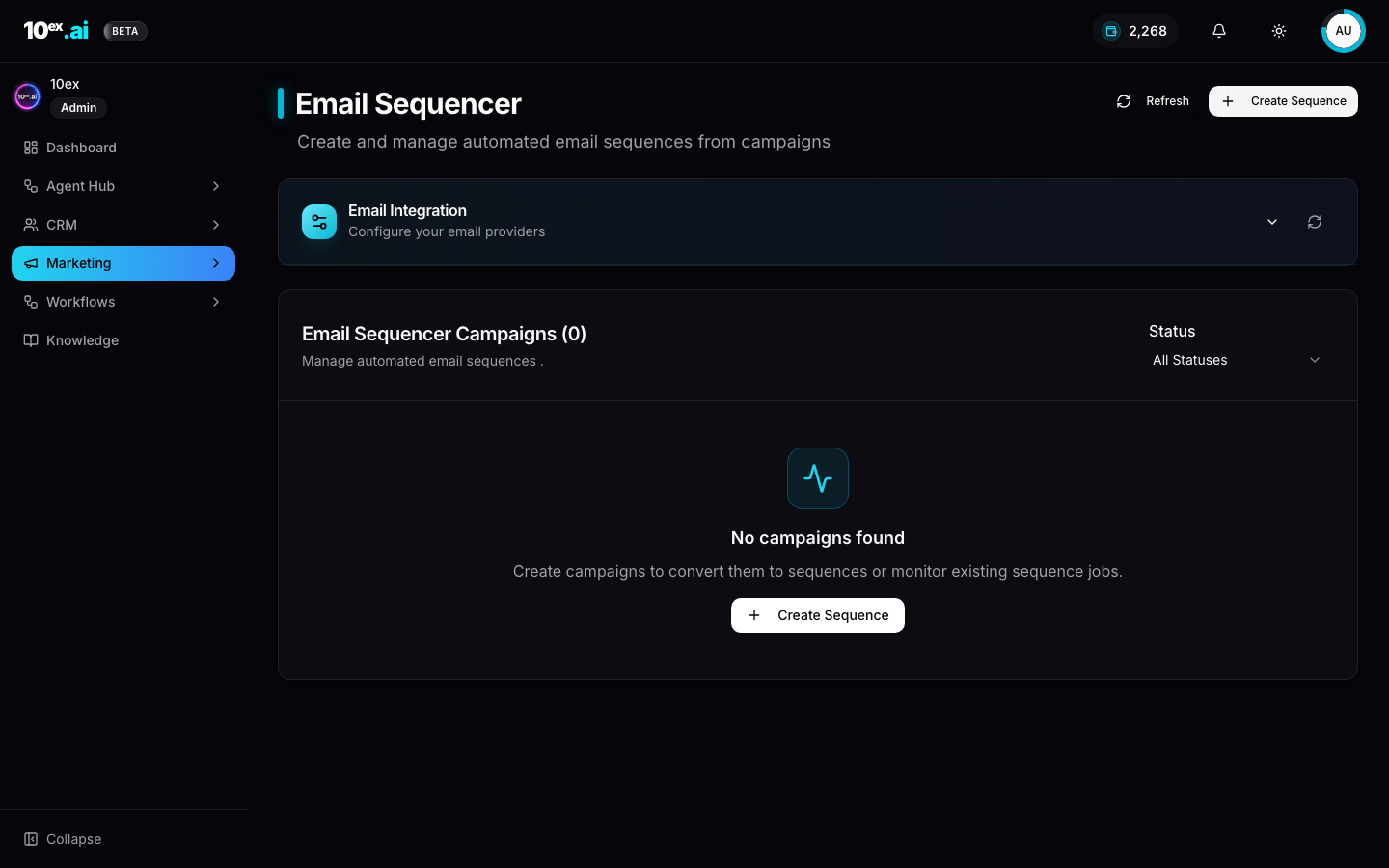
Channel: email. Primary agents: Nova (email-sequence-generation) for multi-step, Orion (email-outreach-sender) for single emails. Connectors: Gmail or Outlook.
Who runs this: marketing or sales teams of 1 to 50, anyone with a Gmail or Outlook seat and a list. Most workspaces ship their first sequence within a day of connecting their inbox.
The four motions
| Motion | Best persona | Inputs |
|---|---|---|
| Cold outbound | Nova | Segment, brand, objective (“book a demo”), 3–5 steps, cadence |
| Nurture sequence | Nova | Trigger (form-fill, content-download), brand, content track |
| Re-engagement | Nova | Dormant segment (last activity > 90d), last-activity-aware angle |
| One-off reply | Orion | Single lead, context (the prior thread), sender connector |
How to launch your first cold email sequence
Net-new prospects get a 3 to 5 step sequence, written from your brand context with per-lead personalization.
- Build the segment. Use Marcus or Prospector to find leads, then create a Segment over filters.
- Confirm brand knowledge is filled. Nova reads
company_overview,usps,icp.market_segments, andbrand_voice(schema). - Hire Nova, configure, preview, approve, launch.
The default cadence is [0, 3, 7] (same-day, +3 days, +7 days). Adjust based on your sales motion. B2B SaaS often goes longer; consumer faster.
What it looks like at the end: a 3-step sequence sending from your inbox, gated by approval, with reply-handling branches wired up. Most teams see a 2–6% reply rate on a clean ICP-matched segment.
Nurture sequences
Lead-events trigger Nova on a workflow:
- Form submission lands a lead in segment “Demo request” (auto-routed by native form).
- A workflow with
Trigger: lead_added_to_segmenthires Nova with a segment-specific objective. - Nova writes a 3-email track, gates on approval (or skips approval for trusted nurture lanes), and launches.
This is the canonical use case for Workflows over directly hiring Nova. The trigger and routing live in the workflow.
Re-engagement
Wake up dormant leads (last activity > 90 days) with an angle informed by their last touch. Nova’s sequence_personalizer sub-agent reads each lead’s recent activity and tailors the opener accordingly (“Last time we spoke about X, here’s an update on that”).
Useful pattern: pair with a re-engagement-specific Brand Voice override (“more candid, less polished, admitting time has passed”).
Deliverability
Not an agent, a discipline. The Email Sequencer surfaces deliverability signals per send:
- Sender warm-up status
- Domain auth (SPF / DKIM / DMARC) check
- Throttling (Nova self-paces to under 50 sends/hour by default; configurable)
- List hygiene (bounces flagged on the segment)
Bad scores show up before approval. A red domain-auth indicator stops the approval flow until you fix the DNS.
For the full discipline — domain authentication, warm-up, list hygiene, content rules, provider requirements, and troubleshooting — see Improving email deliverability.
Reply handling
Sequences pause per recipient on any reply. Configurable branches:
- Positive: notify owner, optionally book a calendar slot via Kai.
- Negative (“not interested”): suppress, mark
Lead → unqualified. - OOO: reschedule next step past the OOO end date.
- Other: route to inbox for human review.
Minimal stack
- Connect Gmail or Outlook (Connectors → Email).
- Fill brand knowledge in Settings → Company Research / Brand Voice.
- Build a Segment of recipients.
- Hire Nova, preview, approve, launch.
Common pitfalls
- Launching before brand knowledge is filled. Nova falls back to a generic voice; reply rates suffer.
- Ignoring the deliverability panel. A red SPF / DKIM indicator means your sends will land in spam. Fix the DNS first.
- Setting cadence too aggressive. Three emails in three days reads as spam to most B2B buyers. Default
[0, 3, 7]exists for a reason.
Common questions
Do I need a warm-up tool before launching a cold sequence? Yes for new domains. Nova respects the warm-up status surfaced by the connector and self-throttles, but a fresh domain still needs a few weeks of warm-up traffic before high-volume cold outreach.
Can Nova write in multiple languages?
Yes. Set brand_voice.language (or the segment-level locale) and Nova drafts in that language end to end.
What’s the difference between Nova and Orion? Nova writes multi-step sequences. Orion sends a single, contextual reply or one-off message. Use Orion inside a workflow when you only need one email per trigger.
launch_email_sequence({ segment_id, brand_id, objective: "book a demo", sender_connector_id, num_emails: 3, cadence_days: [0, 3, 7], approval_required: true })
send_single_outreach({ lead_id, objective: "respond to last message", sender_connector_id })
get_email_sequence_status({ sequence_id }) // sent / opened / replied per recipient
Related
- Quickstart: Nova end-to-end in 15 minutes.
- Approval workflows: why preview is free and approval is the spend moment.