Connectors
A connector is a link between 10ex and a tool you already use. Once you connect your mailbox, ad accounts or CMS, the CMO and your agents can read from them and, with your approval, write to them.
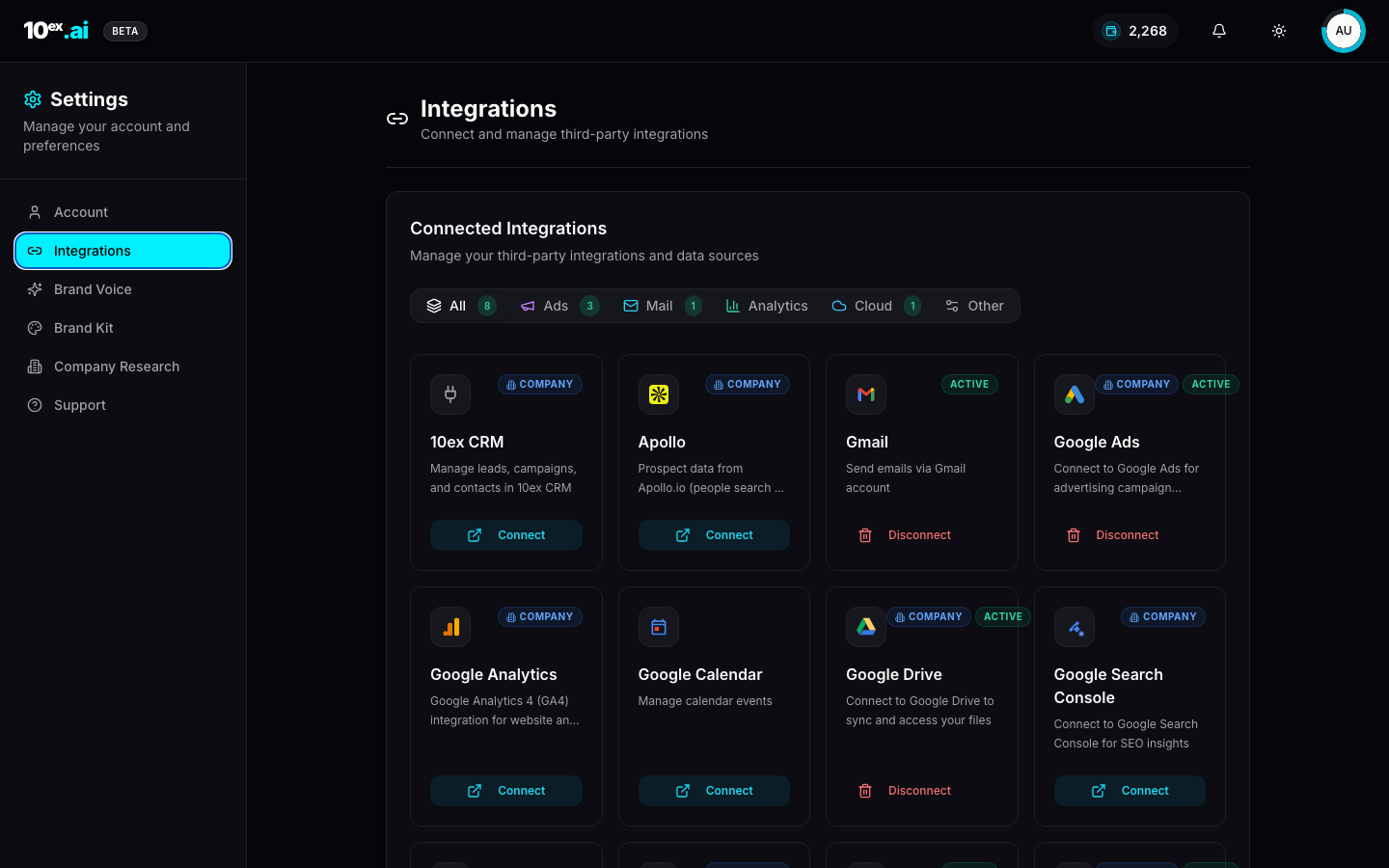
To set one up, see Integrations.
What connects
| Group | Examples |
|---|---|
| Gmail, Outlook | |
| Ads | Google Ads, Meta Ads, LinkedIn Ads |
| Analytics | Google Analytics |
| Knowledge | Google Drive, SharePoint |
| Content | Webflow, Sanity, WordPress |
| Your own | Any MCP server you add by its web address |
Some data sources, such as the contact database the Prospector uses, are run by 10ex. You don’t connect them and don’t need your own account.
Typed tools, not open access
For the tools 10ex ships, an agent gets a fixed list of specific actions, like “send an email”, “launch a Meta campaign” or “publish a Webflow post”. There is no generic “call any URL” action. An agent can only do what a connector’s list allows.
An agent only sees a connector’s tools while a live connection exists. Disconnect the account and those tools disappear from the agent.
Tools from an MCP server you add are discovered from that server. Every one of them is treated as a write, so each one asks for approval.
Reads don’t ask, writes do
- Reads (looking at your inbox, pulling ad results) never ask.
- Writes (sending, launching, publishing, deleting) stop for approval on an approval card, unless you turn on Auto-approve for that connector on that agent.
Gmail and Outlook are separate switches. An agent with only one mailbox turned on always sends from that mailbox.
Whose connection is it
A connection belongs to the person who made it, and it starts out Personal.
- Anyone who is a member or above can connect an account. Viewers can’t.
- A manager or above can switch their own connection to Company-wide, so the whole team and their agents can use it.
- Where you pick a connection, such as the sender mailbox, the list splits into Your connections and Company-wide ones. Shared mailboxes show their owner.
- Only the person who connected an account can change or remove it. The workspace owner can see everything that has been shared.
Ad accounts can have several accounts behind one login, such as an agency or manager account. After you connect, you pick which account campaigns launch on and which others should keep syncing.
When a connection breaks
If a login expires, a password changes or access is taken away, the card shows Reconnect needed. Ad cards show when they last synced. Reconnecting restores the link, and for ads it pulls the leads missed in between.
Agents that depend on a connector won’t act through it until it’s connected again.
Credentials
Connections use the provider’s own sign-in screen (OAuth), or an API token or Application Password where the provider works that way. The WordPress form checks the credentials live, and a wrong one is rejected without being saved.