What Atlas does
Atlas takes a topic and produces a complete webinar asset bundle with no live host required:
- Outline: section structure tuned to your audience.
- Script: full speaker script, in your brand voice.
- Slides: PowerPoint deck with brand colors and fonts.
- Talking-head video: AI avatar voicing the script.
- Stitched final: Zoom-style format with slides on the left, presenter on the right.
The output is a single video file plus the slide deck plus the script. Drop the video into Zoom (record and share) or self-host directly.
How Atlas generates a webinar
Atlas runs sequentially: outline first, then script, then slides, then video. The script is what the avatar voices, so any tone or pacing edits should happen at script stage before the (slow) video render kicks off. If you have a Product Demo Video on file, Atlas can splice it into the talking-head feed mid-talk so your live demo plays where it makes sense.
A 45-minute webinar takes roughly 30 to 60 minutes to render end-to-end. If you only need slides without the video, Nova/PPT is faster.
When to use him
- Asynchronous on-demand webinars: pre-recorded, evergreen content.
- Live-host augmentation: generate slides and script, present yourself, skip the avatar.
- Pillar content: anchor a campaign with a 30-min webinar then repurpose into clips.
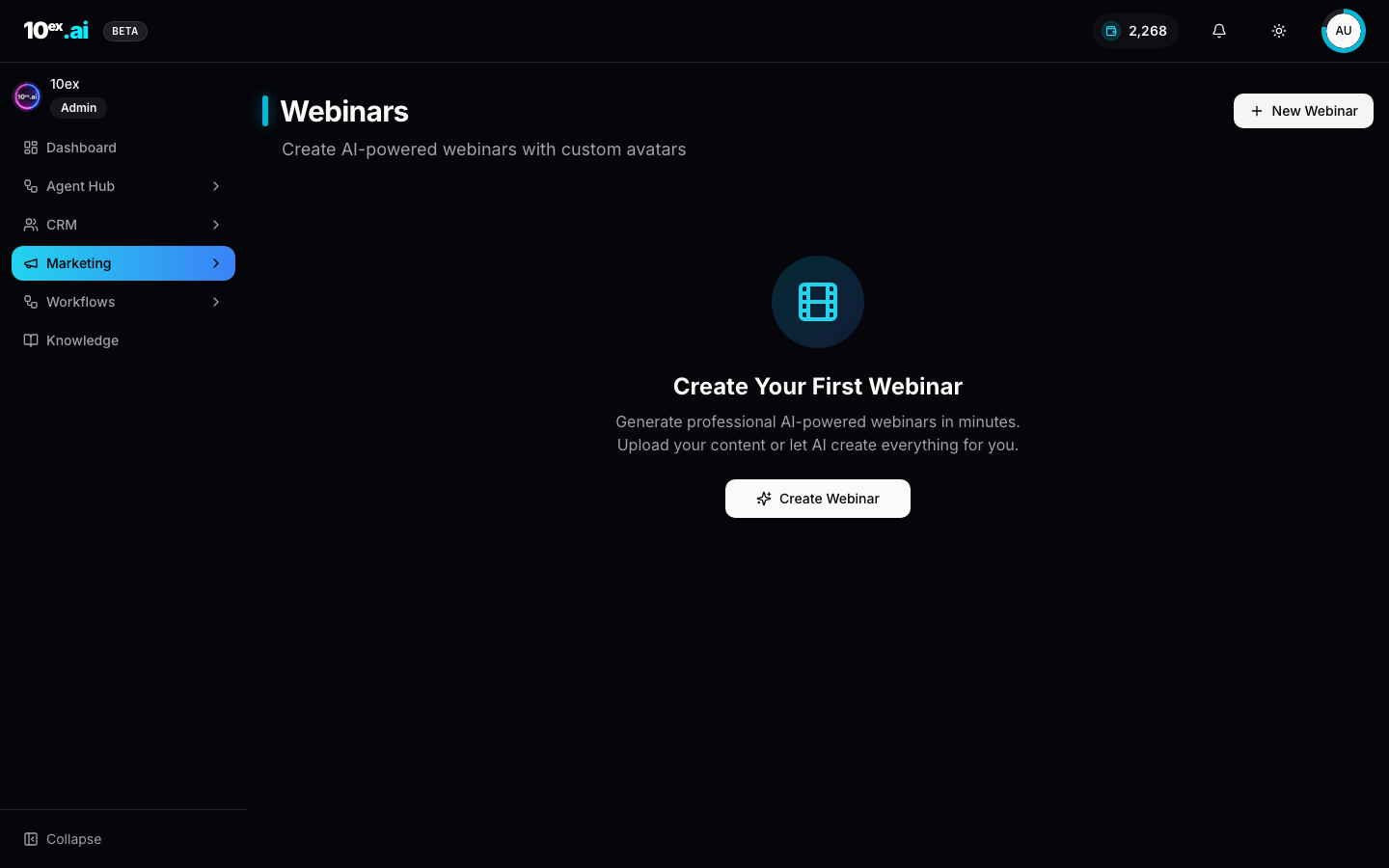
In product
Required connectors
| Connector | Required? | Notes |
|---|---|---|
| Zoom | Optional | For scheduled live webinar slots |
| Google Calendar | Optional | Calendar invites and reminders |
Atlas can also produce a self-hosted video without any connector.
Required knowledge
company_overview,usps,brand_voicebrand_kit(logos, colors, fonts) for slide design.- Product Demo Video (6-item onboarding): Atlas can splice your demo into the webinar mid-talk.
Inputs
{
  "topic": "Outbound that doesn't suck",
  "brand_id": "uuid",
  "audience_segment_id": "uuid",
  "presenter_voice": "founder" | "host" | "narrator",
  "duration_min": 45,
  "include_demo": true,
  "schedule": null | { "start_time": "...", "zoom_meeting": true }
}
Outputs
{
  "webinar_id": "uuid",
  "outline": [...],
  "script": "...",
  "slide_deck_url": "...",
  "video_url": "...",
  "stitched_video_url": "...",
  "status": "draft" | "scheduled" | "ready",
  "next_actions": ["schedule_zoom", "generate_webinar_image", "launch_email_sequence"]
}
Outcomes
- A full webinar asset bundle in one run, no production schedule.
- Always-on registration funnel feeding Atlas-generated content.
- Repeatable evergreen webinars per ICP segment.
MCP equivalents
generate_webinar({ topic, brand_id, audience_segment_id, presenter_voice: "founder", duration_min: 45 })
Common questions
Can I edit the script before video render? Yes. Atlas surfaces the script as a checkpoint by default. Approve or edit, then trigger the slow video stage. Editing after render is expensive (full re-render).
Which avatar styles are available?
Three voice presets (founder, host, narrator) map to three different visual avatars. Custom avatar uploads aren’t supported yet.
What if my Product Demo Video is too long?
Atlas trims to the most relevant 60-90 second segment based on the script’s demo callout. Pass a custom demo_segment_seconds override if you need exact timing.
How does Atlas handle Zoom integration?
With a Zoom connector, Atlas creates the meeting link and schedules the calendar invite. Without Zoom, the video is self-hosted at the returned stitched_video_url.
Related agents
- Iris (
webinar-image-generator): promo cover images. - Nova/PPT (
ppt-generator): alternative if you only need slides. - Nova / Email (
email-sequence-generation): registration nurture.