What Zara does
Zara is an autonomous multi-agent system that creates winning Google Ads campaigns with minimal user input. She supports every Google Ads campaign type: Search, Display, Video, Shopping, Performance Max, Discovery, App, Local.
Internally she builds the campaign structure (ad groups, audiences, keywords, bids), generates assets via Luna and Dante, and pushes to Google Ads via the API. She gates by default. Preview the structure, approve, then ship.
How Zara launches Google Ads campaigns
Zara starts with your brief and the Maya strategy (if one exists), maps offers to ad groups, then builds keyword and audience layers. Asset generation runs in parallel: Luna writes RSA headlines and descriptions, Dante creates display creatives where needed. The full structure surfaces as a preview in 10ex before Zara calls the Google Ads API. If the preview looks wrong, you reject it and rerun without burning a Google account approval.
If you only need a campaign plan without the launch, Maya is the right tool.
When to use her
- Net-new Google Ads campaigns: let Zara plan and ship in one run.
- Campaign refresh: point her at an existing campaign with a new brief.
- Multi-account orchestration: connect multiple Google Ads accounts and Zara picks the right one based on the segment.
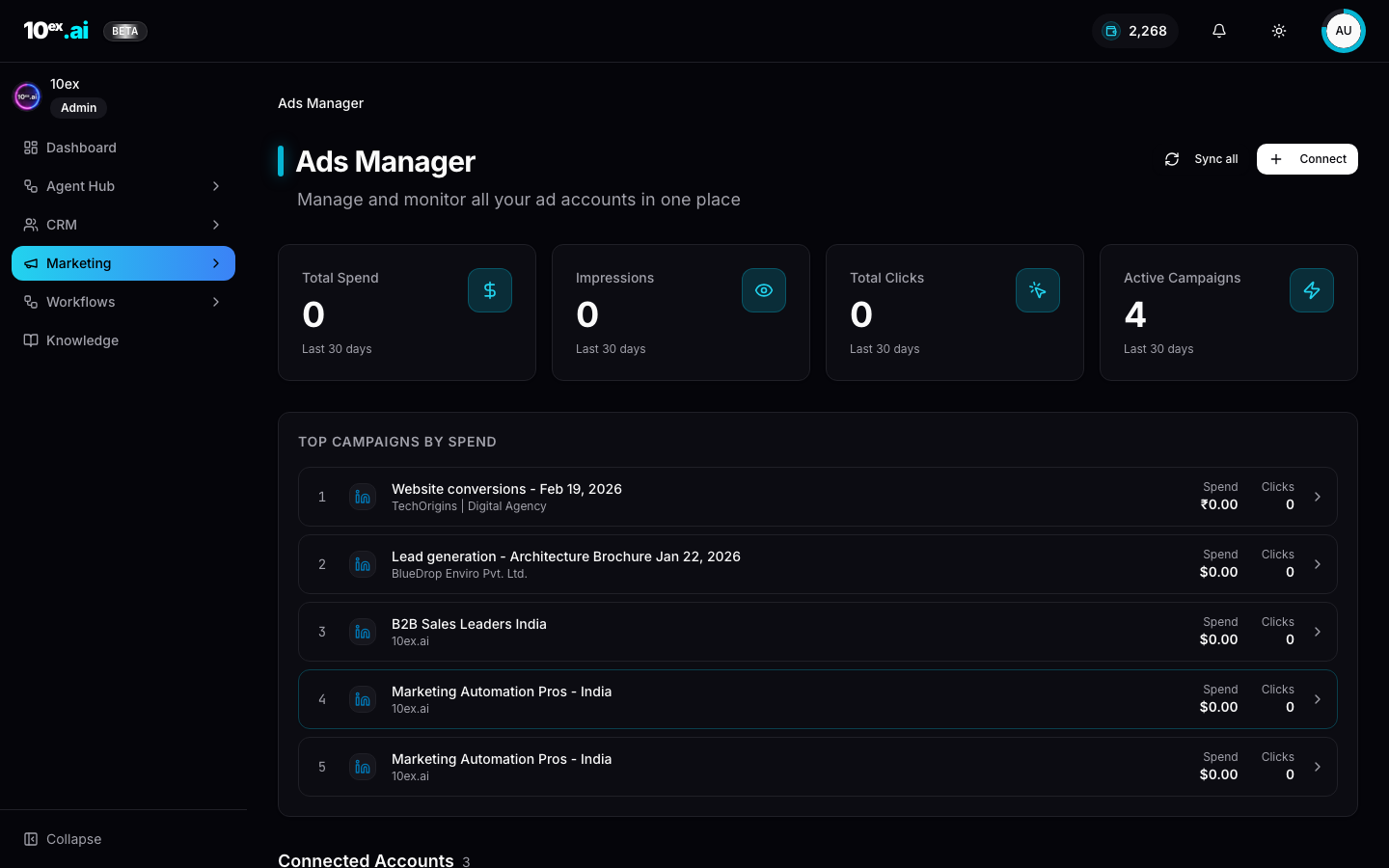
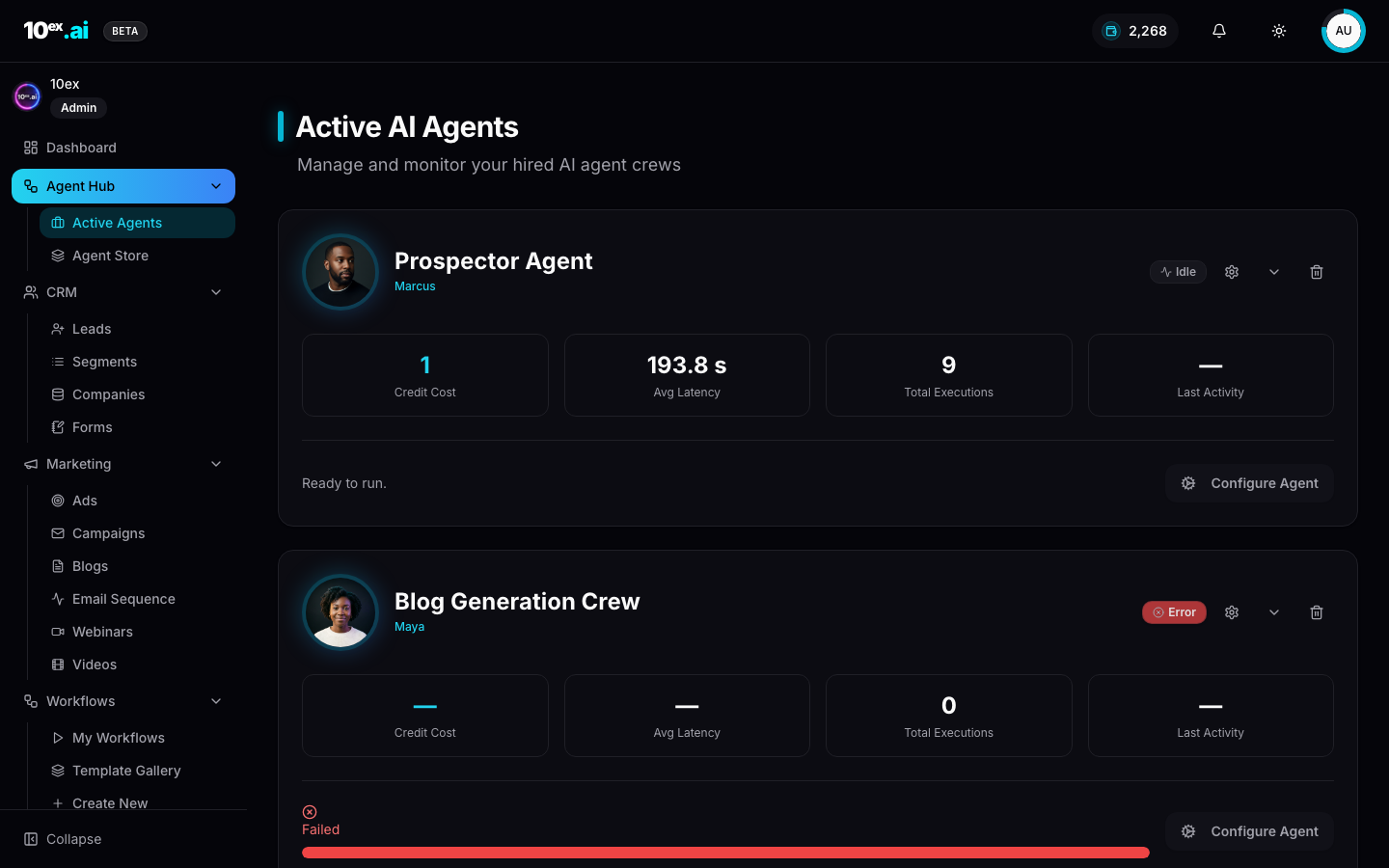
In product
Required connectors
| Connector | Required? | Notes |
|---|---|---|
| Google Ads | Required | One or more accounts. Zara routes by account_id. |
Required knowledge
- Full ICP block (Brand schema)
usps,industry,brand_voice- Pricing Information: for offer mapping per ad group.
Inputs
{
  "campaign_type": "search | display | video | shopping | performance_max | discovery | app | local",
  "objective": "lead_generation | sales | traffic",
  "brand_id": "uuid",
  "audience_segment_id": "uuid",
  "google_ads_account_id": "uuid",
  "daily_budget_usd": 100,
  "approval_required": true
}
Outputs
{
  "campaign_id": "uuid",
  "google_campaign_id": "string",
  "ad_groups": [...],
  "assets": { "headlines": [...], "descriptions": [...], "images": [...] },
  "status": "preview" | "scheduled" | "live" | "paused",
  "next_actions": ["approve_ad_campaign", "get_ad_campaign_metrics"]
}
Outcomes
- Live Google Ads campaigns without console-clicking through Google Ads UI.
- Brand-aligned assets generated alongside the campaign structure.
- Approval gate guards every launch.
MCP equivalents
launch_ad_campaign({ platform: "google", campaign_type: "search", segment_id, brand_id, daily_budget_usd: 100 })
approve_ad_campaign({ preview_id })
get_ad_campaign_metrics({ campaign_id })
Common questions
Does Zara need a connected Google Ads account before the preview?
Yes. The preview includes a target account_id so Zara can validate billing and policy state up front. Connect the account first under Connectors.
What if Google rejects an asset post-launch? Zara surfaces the policy reason in the campaign view and offers to regenerate with Luna or Dante. You approve the rerun before re-submission.
Can I run multiple campaigns in parallel for the same brand?
Yes. Each call creates a separate campaign_id. Zara handles concurrent runs, including across multiple connected Google accounts.
Related agents
- Maya (
ads-strategy-lab): strategy that informs Zara. - Ravi (
linkedin-ads-manager) and Elena (meta-ads-manager): siblings for other platforms.