Billing and credits
Settings → Billing & credits (https://app.10ex.ai/settings/billing ) is where you see your plan, your credits and your renewal date, and where you subscribe.
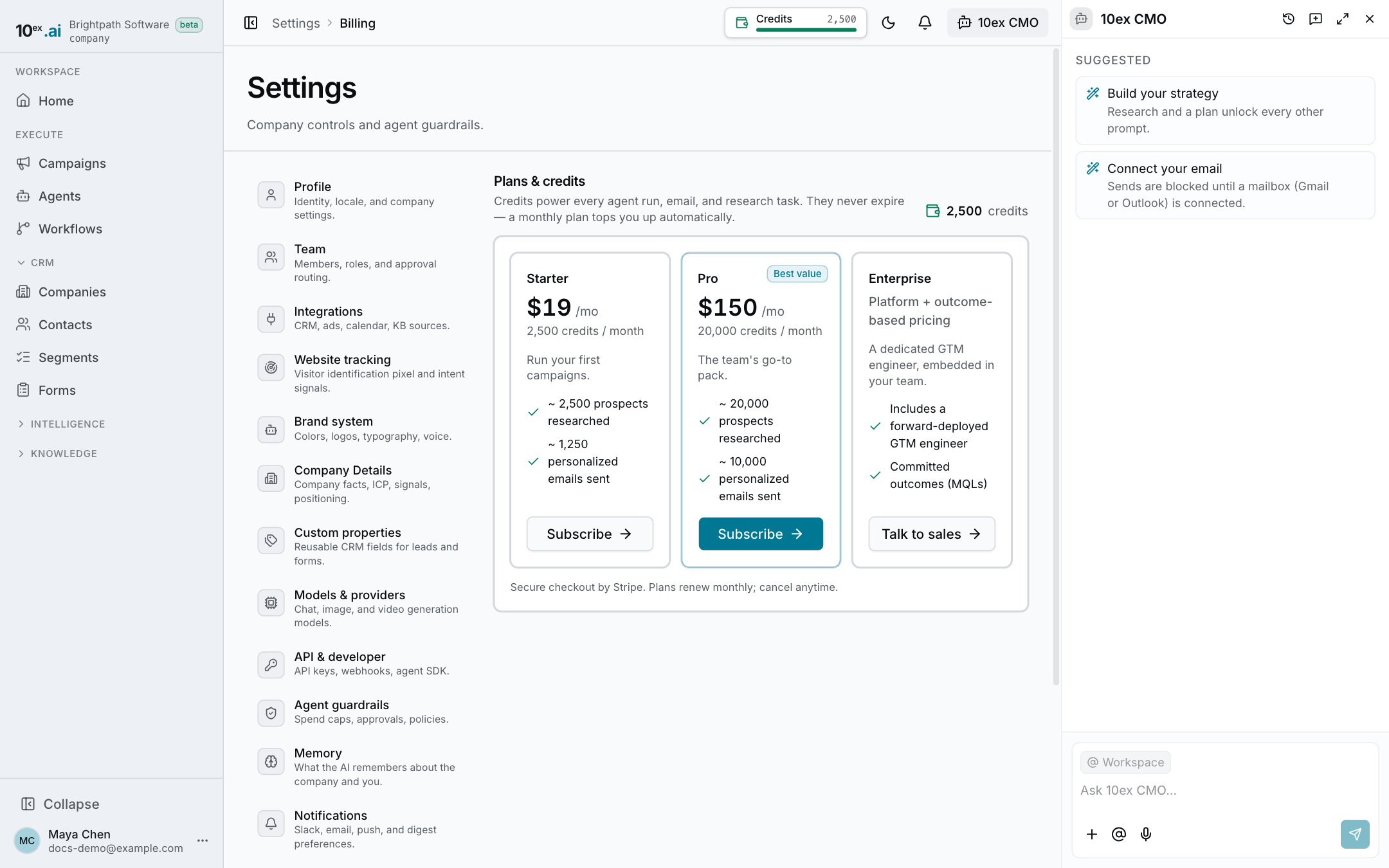
Credits pay for agent runs, emails and research. They never expire, and a monthly plan tops you up automatically. For what costs credits and what is free, see Credits and billing.
See your balance
Your credit balance shows at the top of the page and in the credits chip at the top of every page. Recent charges are on Settings → Models & providers, next to the balance.
Pick a plan
The page shows each plan as a card with its price, credits per month and a short description:
| Plan | Price | Credits |
|---|---|---|
| Starter | $19 a month | 2,500 a month |
| Pro | $150 a month | 20,000 a month |
| Enterprise | Talk to sales | Platform plus outcome-based pricing, with a forward-deployed GTM engineer |
Your current plan is marked Current plan, and the most popular one is marked Best value. Click a plan to go to checkout. Payment runs through Stripe. Prices and credit amounts come from the live plan list, so the page is the source of truth if this table is out of date.
Enterprise isn’t self-serve. Its button opens a page where you book a call with the team.
Cancel or resume
Once you have a plan, the page shows its name, status and date. Click Cancel plan to stop renewing. The date then reads Cancels on, and your plan stays active until then. Click Resume plan to undo it before that date.
Who can use it
| Action | Needs |
|---|---|
| See the page | Manager and above |
| Subscribe, cancel or resume | Someone with billing permission. Changing the plan is owner only. |