Notifications
Settings → Notifications (https://app.10ex.ai/settings/notifications ) controls the emails 10ex sends you. Emails go to the address shown under Email address, your sign-in email.
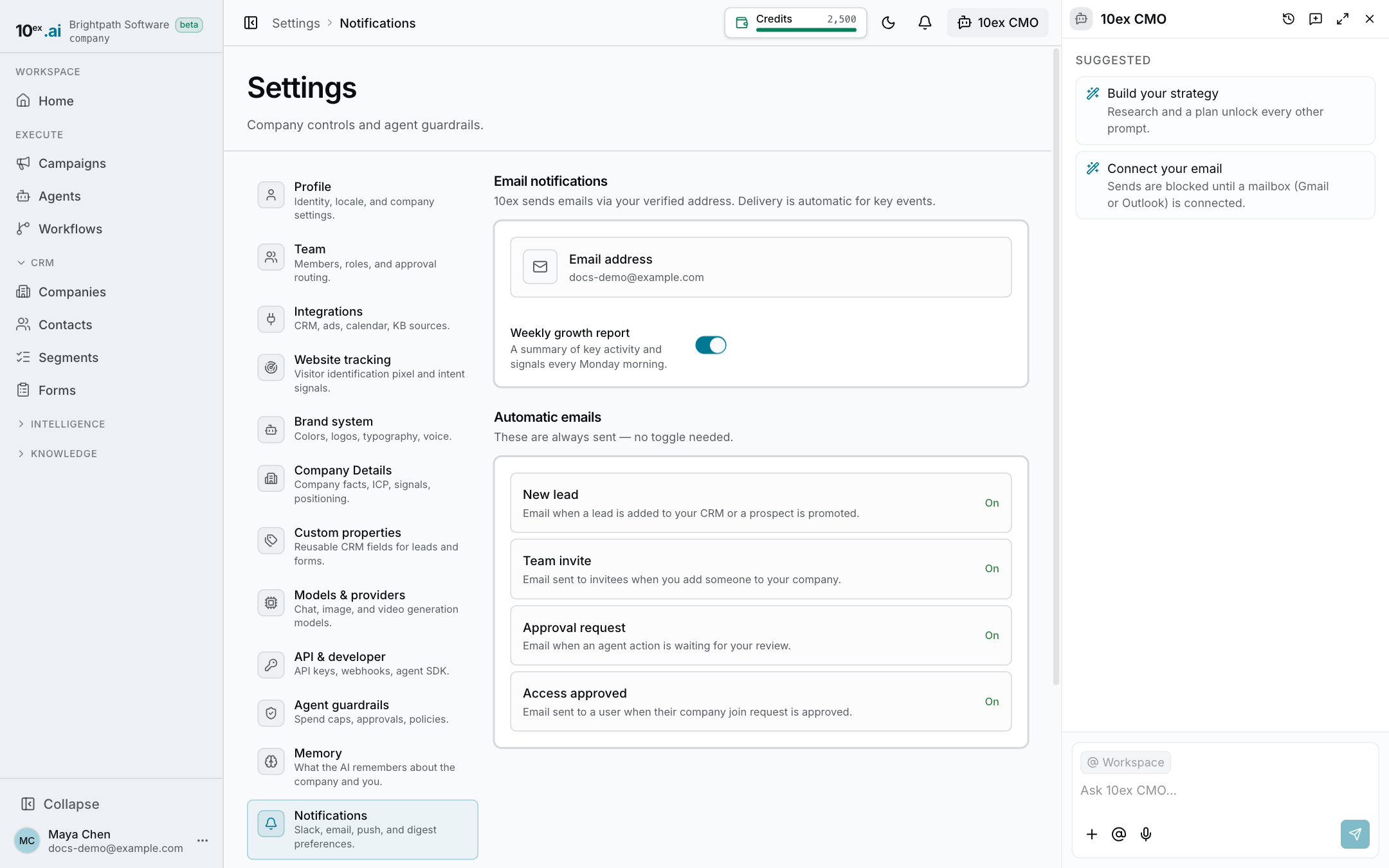
Weekly growth report
The Weekly growth report switch controls a Monday-morning email that summarizes key activity and signals. It is on by default. Turn the switch off to stop it.
Emails that are always sent
These come with no toggle:
| When you get it | |
|---|---|
| New lead | A lead is added to your CRM, or a prospect is promoted. |
| Team invite | You add someone to your company. They get the invite. |
| Approval request | An agent action is waiting for your review. |
| Access approved | A user’s request to join your company is approved. They get this one. |
Other alerts
- New company on your website. When website tracking sees a company for the first time, the workspace owner gets an alert in the app and by email. See Website tracking.
- Workflow runs. Every workflow run emails the company owner when it starts and again, in the same thread, when it ends. In Workflows, each workflow also has an Email me when a run fails switch. See Workflows.
Last updated on