Guardrails
Guardrails decide which actions stop and wait for a person before they run. Settings → Agent guardrails (https://app.10ex.ai/settings/guardrails ) sets the company-wide defaults for 10ex’s built-in tools.
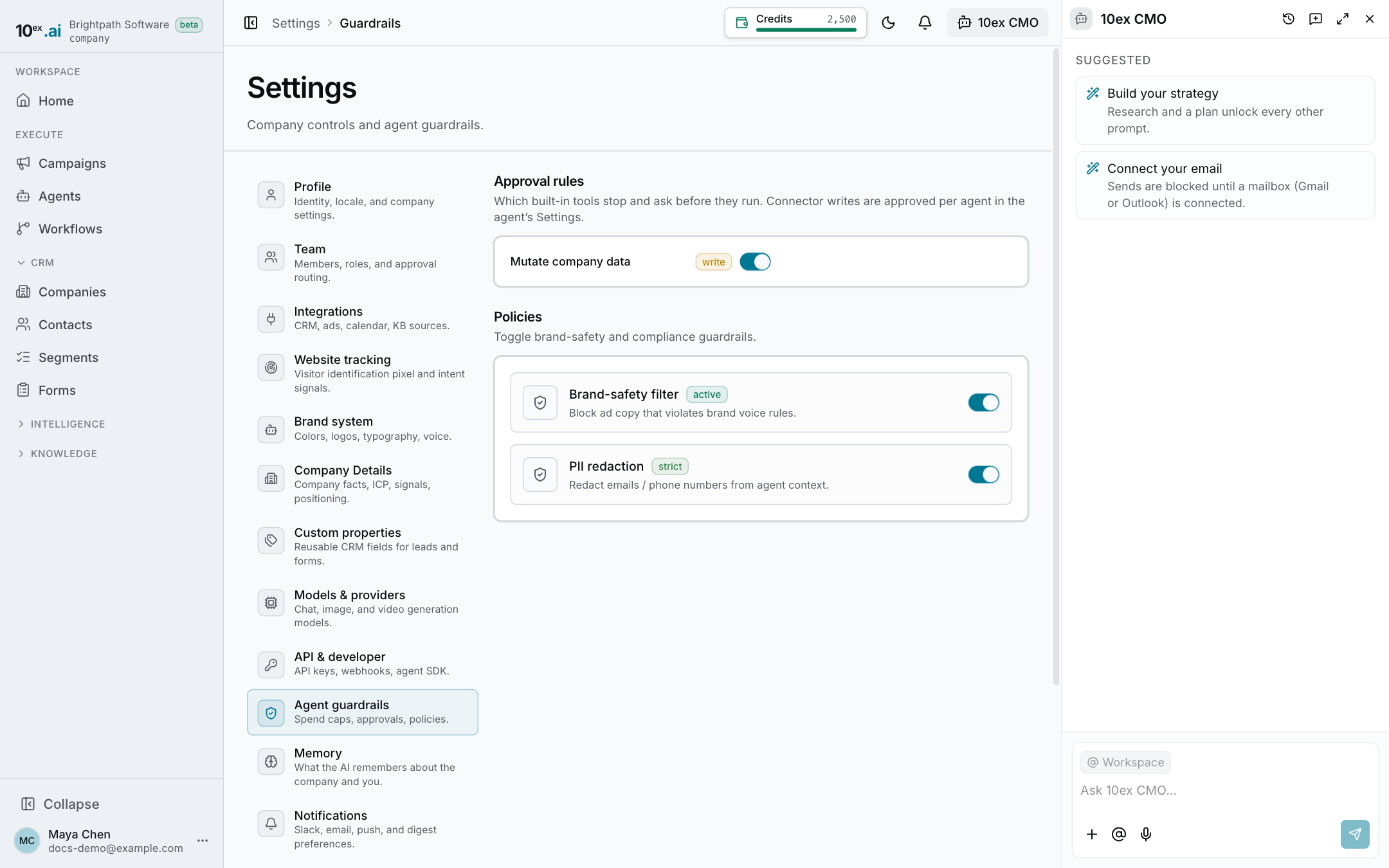
For the idea behind approvals, see Approvals and guardrails.
Approval rules
Approval rules lists the built-in tools that can change something. Each row shows:
- the tool’s name
- a badge for what it does, such as write
- a switch labeled Ask before running
When the switch is on, the tool parks the action and waits for someone to approve it. The switch starts at 10ex’s default for that tool. If you change it, the company follows your choice. Put it back to the default and it follows 10ex’s default again if that ever changes.
If no tool needs approval by default, the page says so.
Only someone who can approve decisions (manager and above) can change these switches. Others see them read-only.
Connectors are set per agent
Actions through a connected app, like sending an email or launching an ad, aren’t listed here. They are approved per agent, in the agent’s Settings → Connectors, where each connector has an Auto-approve line. See Agents.
An agent can also have its own tool overrides and its own output rules (words it must never say, length limits and so on), also in its Settings. An agent’s setting wins over the company default for that agent.
Who can use it
Everyone who can see guardrails can open the page. Changing it needs manager or above. See Roles and permissions.