Company and brand
Two settings pages describe your company to every agent:
- Company Details (https://app.10ex.ai/settings/company ): what you sell, who you sell to, how you position it.
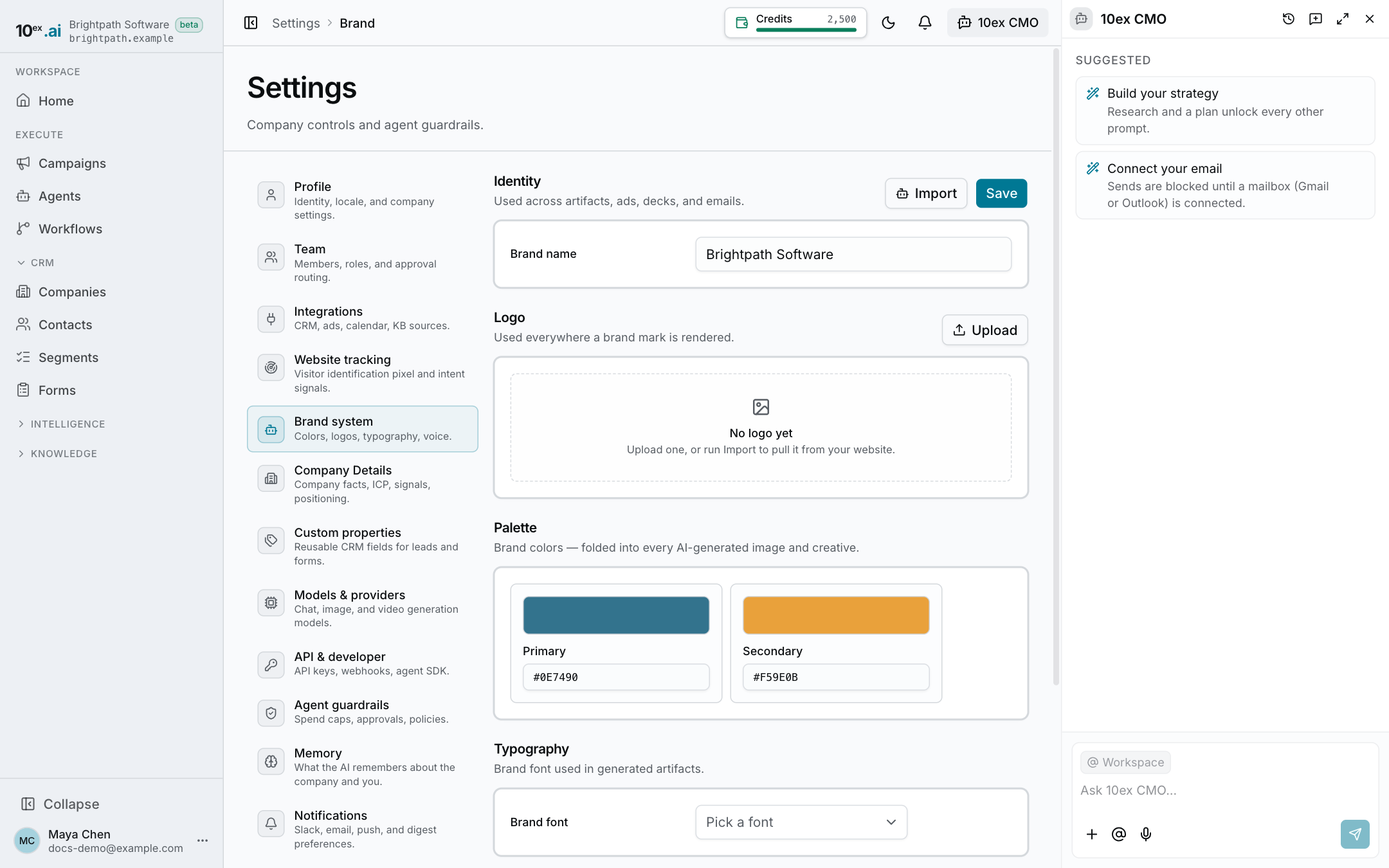
- Brand system (https://app.10ex.ai/settings/brand ): how you look and sound.
Fill them in early. Agents read them on every run, so thin details mean generic output. For longer material such as decks and case studies, use Knowledge.
Fill them in automatically
You don’t have to type everything.
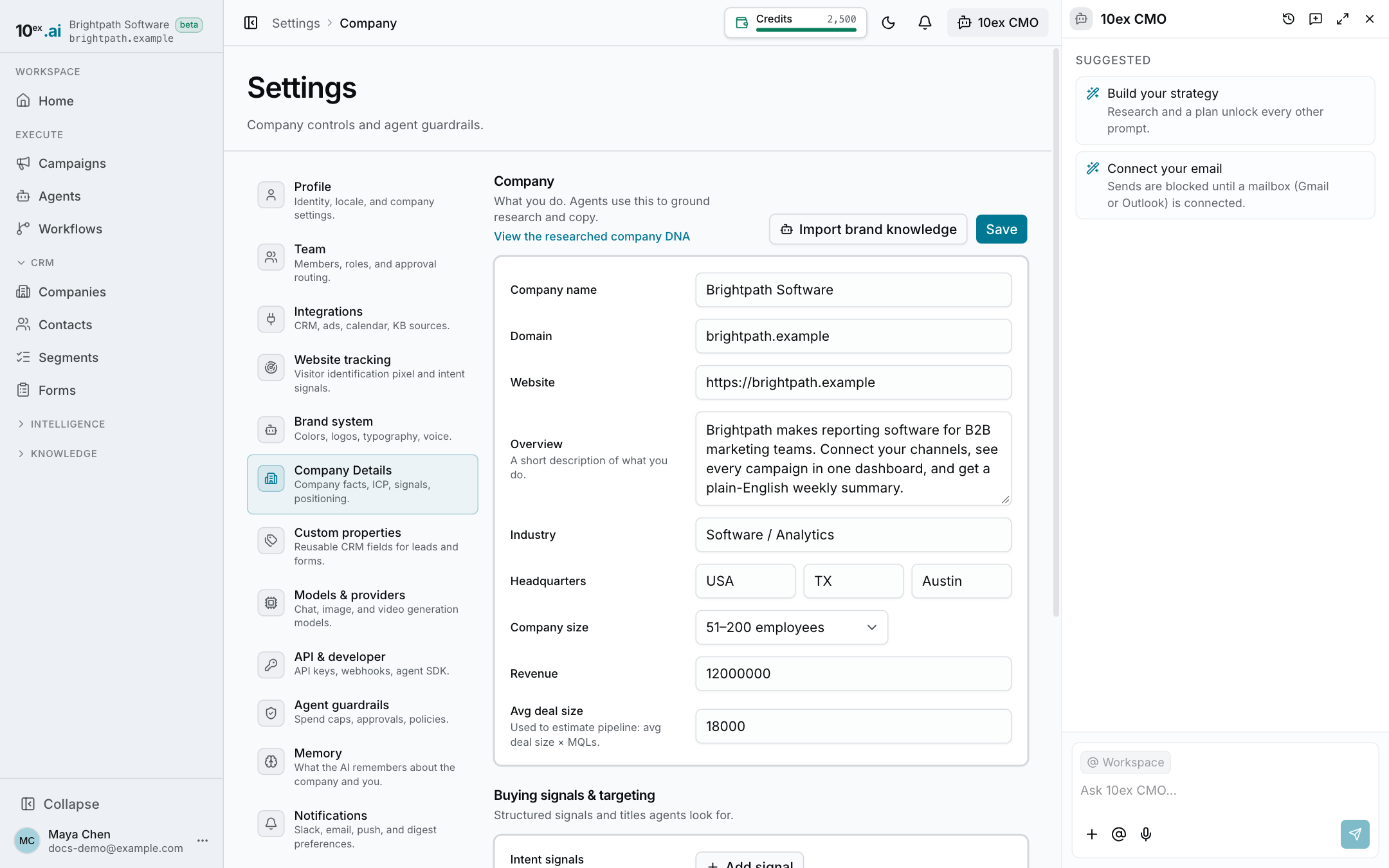
- On Company Details, click Import brand knowledge. 10ex researches your website and fills in the company and ICP fields.
- On Brand system, click Import, enter your Website URL and click Import brand. 10ex pulls your logo, colors and positioning.
Both run in the background and can take a couple of minutes. Review what they filled in and fix anything wrong, then Save.
Onboarding runs the same research when you sign up, so these pages may already be filled in.
Company Details
| Section | Fields |
|---|---|
| Company | Company name, Domain, Website, Overview, Industry, Headquarters (country, state or region, city), Company size, Revenue, Avg deal size |
| Buying signals & targeting | Intent signals (signal → what it means), Job titles (by department), Market segments (segment → share) |
| Positioning | USPs, Messaging pillars (pillar → message), Core products (product → description) |
Tips:
- Avg deal size is used to estimate pipeline (average deal size × qualified leads).
- Job titles and Market segments become the default targeting for prospecting and ads. Be specific: “VP Marketing” beats “marketing”.
- USPs and Messaging pillars are what copy agents lean on most. Write them the way you’d say them to a buyer.
Brand system
| Section | What it does |
|---|---|
| Identity | Your brand name, used across content, ads, decks and emails. |
| Logo | Upload, replace or remove your logo (PNG, JPG, WEBP or SVG). Used wherever a brand mark appears. |
| Palette | Primary and secondary colors, with color pickers or hex codes. Folded into every AI-generated image and creative. |
| Typography | The brand font used in generated content. |
| Voice | How the brand sounds, with a Voice field (for example “Confident, plain-spoken”) and a Tone field (for example “Warm, direct”). Agents follow it when they write copy. |
Who can edit
Everyone can view both pages. Saving changes and running the imports needs an admin or the owner. See Roles and permissions.
Last updated on